NEW! Ashampoo Music Studio Pro 27
Music software to edit, convert and mix audio files
Secure Online Ordering. Our Systems are tested daily by McAfee and secured by SSL

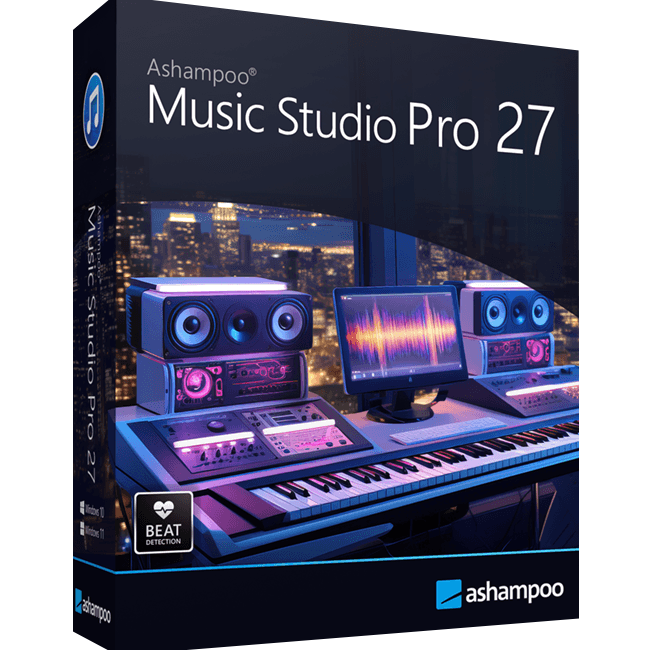
- COVER DESIGN: Built-in cover designer for CD and DVD cases
- CD EDITING: Create, rip, and burn audio CDs with ease
- MUSIC MANAGEMENT: Organize, clean up, and manage your music collection
- AUDIO OPTIMIZATION & EXTRACTION: Edit, analyze, normalize audio and metadata, and extract audio from videos
- MIXTAPE FUNCTION: Create custom mixtapes for any occasion
- AUDIO RECORDING: Record from microphones, apps, and “what you hear”
- PLAYLIST MANAGEMENT: Create and manage playlists in various formats
- STREAMING RECORDER: Record music from Spotify, Apple Music, Amazon Music, YouTube Music, and Deezer
- ACTIVATION: Easy installation and activation via CD-ROM
- LIFETIME LICENSE: Full version for 1 PC – no subscription
Secure Online Ordering. Our Systems are tested daily by McAfee and secured by SSL
More precision, comfort, and music for you!
Ashampoo Music Studio Pro is the Swiss Army knife for your music. It offers a comprehensive set of tools for easy editing, producing, trimming, mixing and organizing of music and audio files.
With the powerful features of Ashampoo Music Studio Pro, you'll get the best out of your music collection! Eight handy modules cover pretty much everything music lovers need on a computer. Whether you want to edit, burn, or cut your favorite songs–with Ashampoo Music Studio Pro, you can do it quickly and easily. Record Spotify, Deezer, Amazon Music, and much more! Convert to other compatible formats, create mix tapes for the next party or playlists for any audio device! Bring order to your music collection, print covers, rip CDs, and much more!
- Edit, organize, and burn music
- Create mixtapes for various occasions
- Cover designer for CD and DVD cases
- Create playlists in various audio formats
- Fast and easy CD ripping
- Automatic renaming of music files
- Extract audio tracks from videos
- Tools for editing audio files and metadata
- Audio editor for cutting, volume adjustment, and muting
Title detection that thinks for you
When recording music streams, keeping things organized is key–and that’s exactly what Music Studio Pro delivers. For services like Spotify, the software automatically recognizes artist and song title and names your files accordingly. For less clear-cut sources, like browser windows, it analyzes the window title and auto-skips irrelevant parts. The result? Just your music–clearly named.
CD ripping with always correct titles!
Looking to archive your audio CDs or access their music digitally? Music Studio Pro recognizes your CDs more precisely than ever. It automatically compares multiple database entries, merges them intelligently, and provides the best possible metadata for your collection. On top of that, Ashampoo Music Studio Pro reads CD-Text directly from disc for more complete information without any manual editing.
Simply smarter recording
Recording audio on Windows can be tricky, especially when a recording device is muted. Music Studio Pro detects muted devices and automatically unmutes them during recording. Once finished, it will restore their original state so you don’t have to do a thing. It's the perfect solution for spontaneous sessions and reliable recordings and also works flawlessly with your mic in MS Teams, Zoom & more.
Cleaner, smarter recording list
Got a long list of recordings? No problem! The new and improved recording list in Music Studio Pro displays all key information at a glance and feels much more streamlined. You can now sort your recordings by name, date, or duration–ascending or descending. That way, you’ll always find exactly what you’re looking for, no matter how big your collection is.
- Windows 10, 11