Ashampoo Snap Pro 26
Professional screen capturing just got even smarter
Secure Online Ordering. Our Systems are tested daily by McAfee and secured by SSL

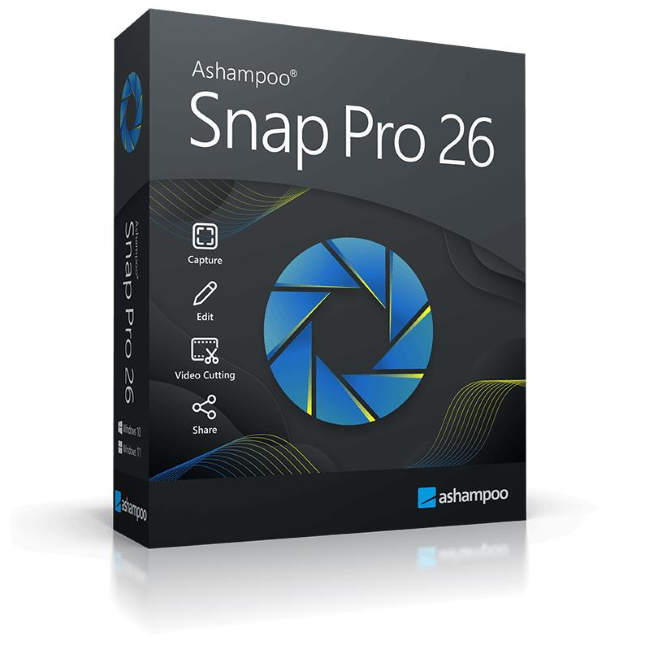
- ALL-IN-ONE SCREEN CAPTURE: Screenshots & videos – including scrolling pages and multi-monitor setups
- SMART EDITING & LIVE ANNOTATION: Add text, highlights, and comments directly on screen in real time
- ADVANCED VIDEO RECORDING: Capture screen activity with audio and webcam support
- OCR & EASY SHARING: Extract text and share content instantly via multiple channels
- MODERN & INTUITIVE UI: Optimized performance with a streamlined, user-friendly interface
- CUSTOM BRANDING: Add watermarks and personalize your captures
- ACTIVATION: Easy installation and activation via CD-ROM
- LIFETIME LICENSE: Full version for 1 PC – no subscription
Secure Online Ordering. Our Systems are tested daily by McAfee and secured by SSL
With Ashampoo Snap Pro 26, creating screenshots and videos is easier than ever! Everything that appears on your screen can be captured in seconds. In the image editor, you can edit, annotate, save, and share your captures instantly. New: With Live Edit, you can even mark content directly on your Desktop before the screenshot is taken. Snap Pro 26 also enhances your screenshots with graphical elements such as automatic numbering, comments, stickers, and more. Whether you're working from home, explaining something quickly, or creating detailed tutorials, Snap Pro 26 lets you get the job done faster.
Create and annotate screenshots–right on your desktop
Ashampoo Snap Pro 26 introduces Live Edit. This feature allows you annotate screen contents on your Desktop before taking the screenshot. Arrows, text, or highlights can be placed exactly where they should appear in the final image. This makes creating explanatory screenshots faster and often eliminates the need for additional editing. At the same time, Snap has been technically modernized from the ground up: Ashampoo Snap Pro 26 is more responsive, stable, and resource-efficient.
- Live Edit: Comment and annotate screen contents directly on your desktop
- Create live screenshots while the desktop remains active
- Prepare and create multiple screenshots in one go
- Huge multi-display spanning canvas
- Pixel-precision with cursor movement in one-pixel increments
- Convert screen contents into freely positionable text and image elements
- Better performance, stability, and resource efficiency
- Optimized toolbar for faster workflow
Operating System
Windows® 11 (64bit), Windows® 10 (64bit)
Software:
.NET Desktop Runtime 9 (X64)
Microsoft Edge WebView2 (X64)
Requirements
Any device that supports the operating systems listed above.
Other
An Internet connection is required to activate the program. The program license is verified repeatedly at regular intervals.