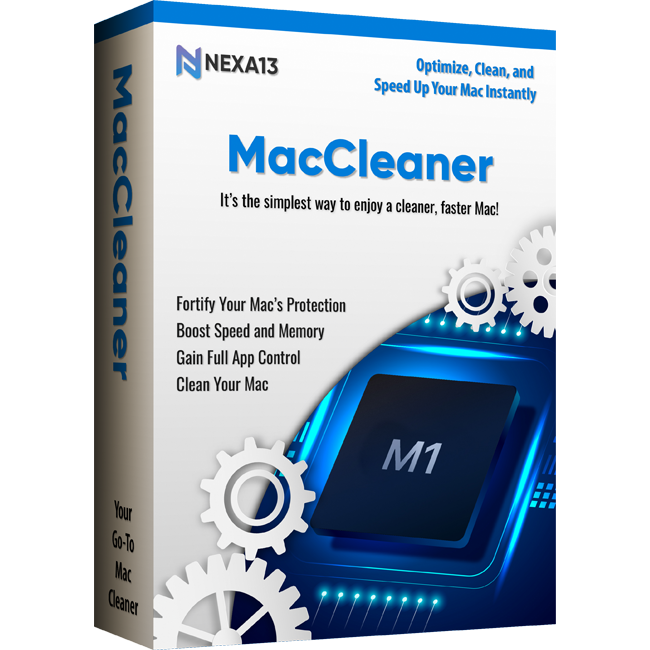
NEW! Nexa13 MacCleaner
Your Go-To Mac Cleaner
Secure Online Ordering. Our Systems are tested daily by McAfee and secured by SSL

-
Clean, speed up, and protect your Mac
-
Remove junk files, unnecessary apps, and other unwanted data
-
Boost your Mac's speed for top performance
-
Lock and password-protect apps for additional security
-
Find and remove unused apps and files, hidden cache files, and unfinished downloads
-
Remove tracking cookies and wipe information such as browsing history and messenger chats
-
Clear up your Mac’s RAM memory with just a click
-
Stop memory-occupying data, turn off background plugins, and fix glitches
-
Notarized by Apple
Clean, speed up, and protect your Mac
Remove junk files, unnecessary apps, and other unwanted data
Boost your Mac's speed for top performance
Lock and password-protect apps for additional security
Find and remove unused apps and files, hidden cache files, and unfinished downloads
Remove tracking cookies and wipe information such as browsing history and messenger chats
Clear up your Mac’s RAM memory with just a click
Stop memory-occupying data, turn off background plugins, and fix glitches
Notarized by Apple
Secure Online Ordering. Our Systems are tested daily by McAfee and secured by SSL
Discover What a New and Refreshed Mac Looks Like!
Nexa13 MacCleaner is your go-to tool for cleaning, speeding up, and protecting your Mac. It unlocks your Mac’s full potential and can make it run like new again. Effortlessly remove junk files, unnecessary apps, and other unwanted data with Nexa13 MacCleaner while boosting your Mac's speed for top performance.
X4.5 Quick Boot-Up
Take your Mac’s performance to a whole new level by clearing RAM. Keep your login items and plug-ins organized.
X5 Free Up Disk Space
Maximize your disk space by clearing out old and large files, uninstalling unnecessary apps, and deleting space-occupying data.
X2.5 Speedier App Launch
Boost app launch times by upgrading your apps to the latest version and eliminating all the sluggish extensions.
How Does It Work?
Simply download Nexa13 MacCleaner and open the .PKG in your Downloads folder to install the app. Then, drag Nexa13 MacCleaner to your Applications folder and click on the icon to launch it.
We suggest exploring our Smart Scan feature, an automated Mac cleaner tool. It locates unnecessary files on your drive and recommends simple optimization tasks you can perform. If you prefer, you can manually select additional items to delete.
Clean Your Mac
Declutter Your Mac Instantly
-
Clear out loads of hidden cache files
-
Quickly delete unused files, unfinished downloads, and other unused items faster and easier
Locate and Delete Large Files
-
Find big, forgotten files to delete them or move them to the trash
-
Easily filter out old movies or months-old documents to keep your Mac tidy
Boost Speed and Memory
Easy Maintenance
-
Clear up your Mac’s RAM memory just within a click
-
Execute maintenance scripts that make your apps respond faster
Fast Memory Optimizer
-
Spot and stop memory-occupying data
-
Turn off background plugins
-
Fix even the smallest glitches swiftly.
Fortify your Mac’s Protection
App Lock Security
-
Nexa13 MacCleaner allows you to select apps that require additional security and lock them
-
Once added to the lock list, these apps would only be accessed through the password that you set
Upscale Privacy
-
Remove tracking cookies to prevent advertisers from tracking your online activities
-
Wipe out sensitive information such as messenger chats and browsing history
Gain Full App Control
Remove Known and Unknown Apps
-
Find and quickly remove unused known and unknown apps unnecessarily taking up your Mac’s space
-
Clean your system by mass-deleting unwanted apps, plugins, and extensions
Efficient App File Removal
-
Regain control over scattered app files across your Mac
-
Nexa13 MacOptimizer efficiently locates and deletes all associated files, empowering you with comprehensive app management
Use a Single Dashboard to Access All Nexa13 MacOptimizer Tools
Access essential protection and performance tools right from the Nexa13 MacOptimizer dashboard in your menu bar, without needing to open the app!
-
Effortlessly scan your Mac to check its performance
-
Secure and clean your system within a few minutes
-
Receive instant assistance through chat with tech experts
- macOS 12.0 or later
- 100 MB of space