NEW! Nexa13 Tune-It Freemium
Ultimate Windows Security and Performance Evaluation Tool
Secure Online Ordering. Our Systems are tested daily by McAfee and secured by SSL

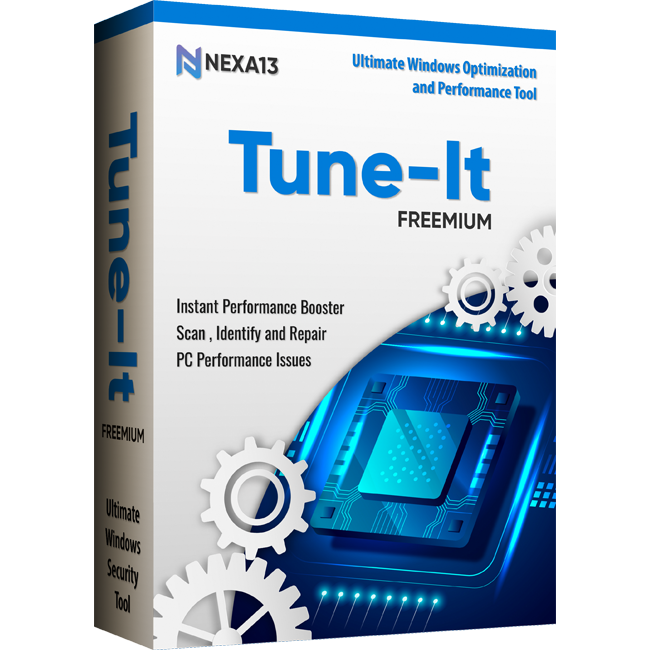
Nexa13 Tune-It is a tool that is equipped with everything you need to keep your Windows computer working in the most efficient and seamless way, using its advanced optimization features.
- No more outdated drivers
- Less junk, more storage
- Instant performance booster
- Ensures a malware-free PC
Secure Online Ordering. Our Systems are tested daily by McAfee and secured by SSL
Scan your PC and discover opportunities to enhance system performance with this powerful all-in-one utility application. Identify outdated, corrupted, or missing device drivers, as well as invalid registry entries, junk files, and potential threats that may be slowing down your PC.
System Scanning
Evaluates your entire PC for performance bottleneck issues.
Junk Detection
Identifies unnecessary temporary files and hidden cache items.
Privacy Check
Flags web privacy traces and browser tracking data.
Driver Assessment
Checks for outdated, corrupted, or missing device drivers.
Malware Auditing
Scans system folders to locate active malware threats.
Registry Review
Pinpoints invalid, broken, or obsolete registry entries.
Tune-It is a complete PC maintenance program. Here is how it works.
- Once you run the scan, it thoroughly inspects the device for all outdated drivers, junk, malware, and invalid registry.
- After a few seconds, it displays the scan results on the screen along with the call to action to fix the issues.
- From there, you can update outdated drivers, remove malware, clean the registry, and scrape away all kinds of junk from the device.
|
Feature |
Free |
Pro |
Platinum |
|
Automatic Update of Outdated Drivers |
❌ Manual Only |
✅ |
✅ |
|
Auto Cleaning of Junk & Privacy Traces |
❌ Manual Only |
✅ |
✅ |
|
Auto Cleaning of Invalid Registry |
❌ Manual Only |
✅ |
✅ |
|
Auto Cleaning of All Malware & Threats |
❌ Manual Only |
❌ Manual |
✅ |
|
Auto Schedule Complete Scan & Clean |
❌ |
❌ |
✅ |
|
Backup All Installed Drivers |
✅ |
✅ |
✅ |
|
Restore a Driver to Its Backup Version |
❌ |
✅ |
✅ |
|
Disable Programs and Background Services that Launch Automatically |
✅ |
✅ |
✅ |
Works with all major Windows versions, including
- Windows 11
- Windows 10
- Windows 8.1
- Windows 8
- Windows 7 (Both 32-bit or 64-bit).